SyncLeet Chrome Extension
Preparing Job Interviews
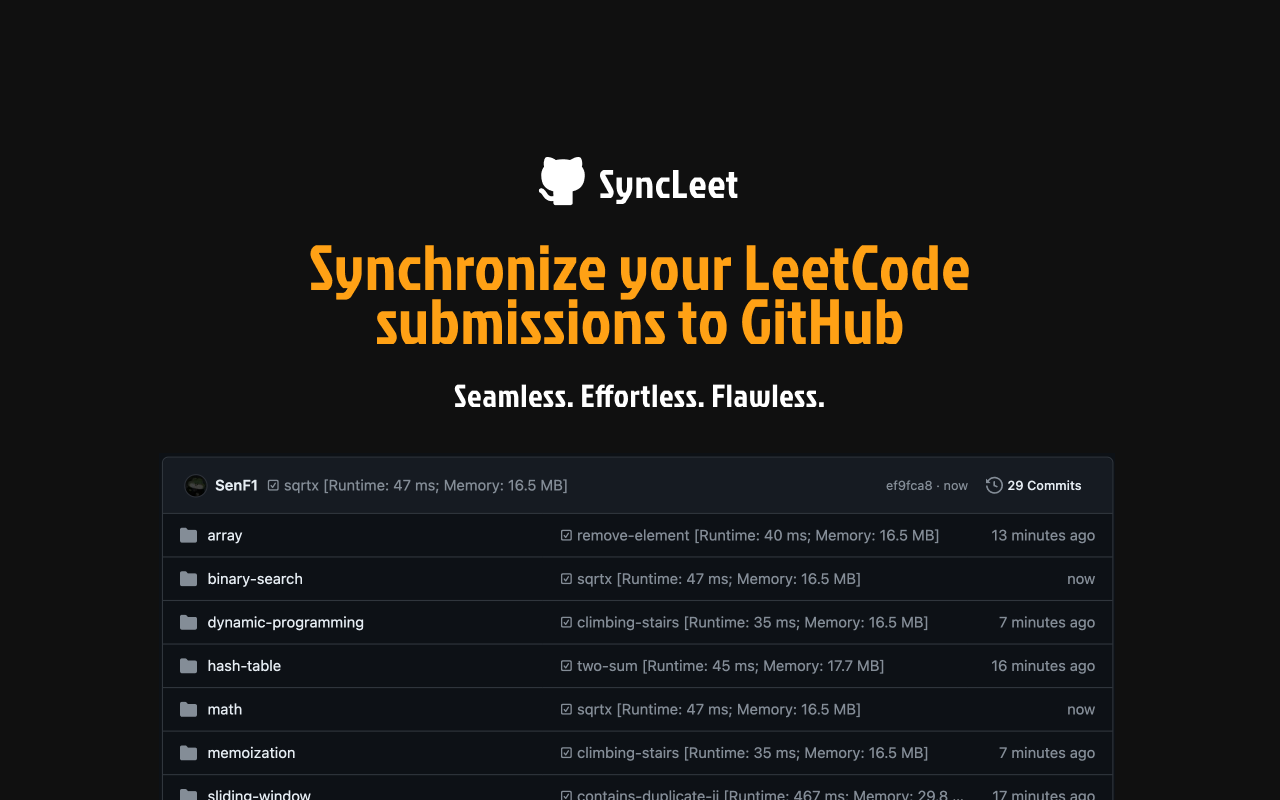
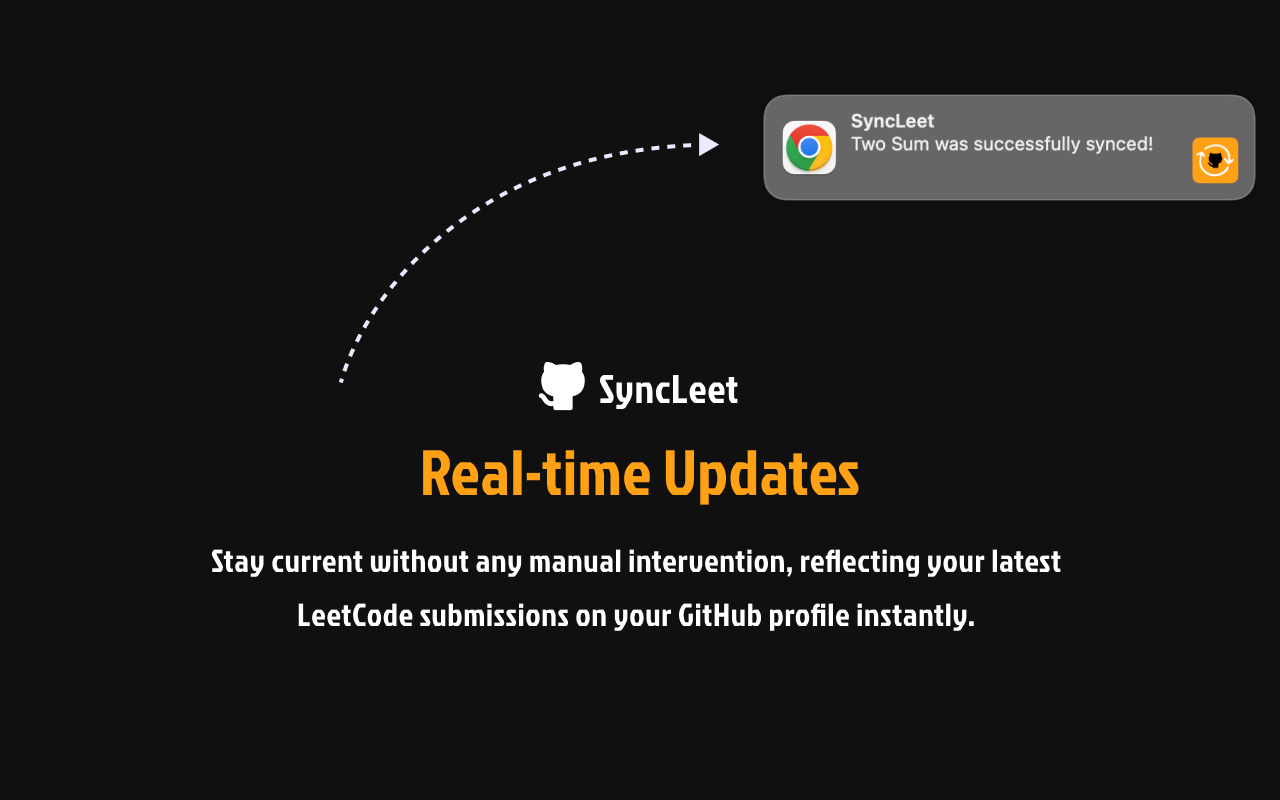
In Summer 2024, Sen Feng and I built SyncLeet, a Chrome extension that quietly mirrors LeetCode submissions into a personal GitHub repository. The motivation was practical. We were both grinding interview problems, and we wanted our solutions tracked somewhere durable without having to think about it. Copying code, formatting metadata, and pushing commits by hand is tedious enough that nobody keeps it up. The extension is the part that does it automatically.
This post is about the design choices that shaped the implementation.
Capturing submissions without touching the page
Most extensions of this kind sync by hooking into the page itself. They listen for clicks on the Submit button, or they scrape the result panel, or they inject a script into LeetCode’s editor to read the latest code. This works until LeetCode reorganizes its DOM, at which point everyone’s automation breaks at once. LeetCode rolled out a new coding layout at one point, and a wave of popular tools broke overnight.
We took the network path instead. The extension is a Manifest V3 service worker that registers a chrome.webRequest.onBeforeRequest listener on two URL patterns. The first is https://leetcode.com/submissions/detail/*/check/, which the page polls for the verdict after a submission; from the URL we pull the submission ID and remember it. The second is https://leetcode.com/graphql/, where we read the request body, parse it as JSON, and filter for the submissionDetails operation. When the same submission ID appears in both flows, we know a fresh submission has finished. The extension then issues its own GraphQL call, riding on the user’s existing LeetCode session cookie, to fetch the code, language, runtime, memory, and problem slug.
The advantage is that no DOM ever has to cooperate. As long as LeetCode’s GraphQL schema for submissionDetails keeps roughly the same shape, the extension keeps working through any UI rewrite. The price is that we are now coupled to the GraphQL contract, but in our experience that layer has been considerably more stable than the page markup.
OAuth without a backend
Talking to GitHub is the other half of the problem. The earlier generation of LeetCode-to-GitHub tools asked users to paste a personal access token into a config file. PATs are long-lived broad-scope credentials, and plaintext config is not where they belong.
We use the standard GitHub OAuth authorization code flow via chrome.identity.launchWebAuthFlow. The user clicks once, signs in, and grants repo, user:email, and read:user scopes. The redirect comes back to a chrome-extension:// URL, we exchange the code for a token, and we store the token in chrome.storage.local.
The token-exchange step is worth a note. Three-legged OAuth requires the client to send its client_secret alongside the authorization code, and we have no backend, so the secret ships inside the extension bundle. This is the conventional pattern for extensions that want to operate without server infrastructure.
Committing through the Git object API
The obvious way to push a file to GitHub is the contents API: one PUT per file, supply the path and the base64-encoded blob. It works, but it produces one commit per file. The history-sync path can write hundreds of files at a time, which would mean hundreds of commits and hundreds of round trips.
We use the lower-level Git data API instead, through Octokit. Each push fetches the latest commit on main, reads its tree, builds a new tree containing the changed blobs, creates a single commit pointing at the new tree, and updates the branch ref. One commit per submission for the live path, one commit per batch for history sync.
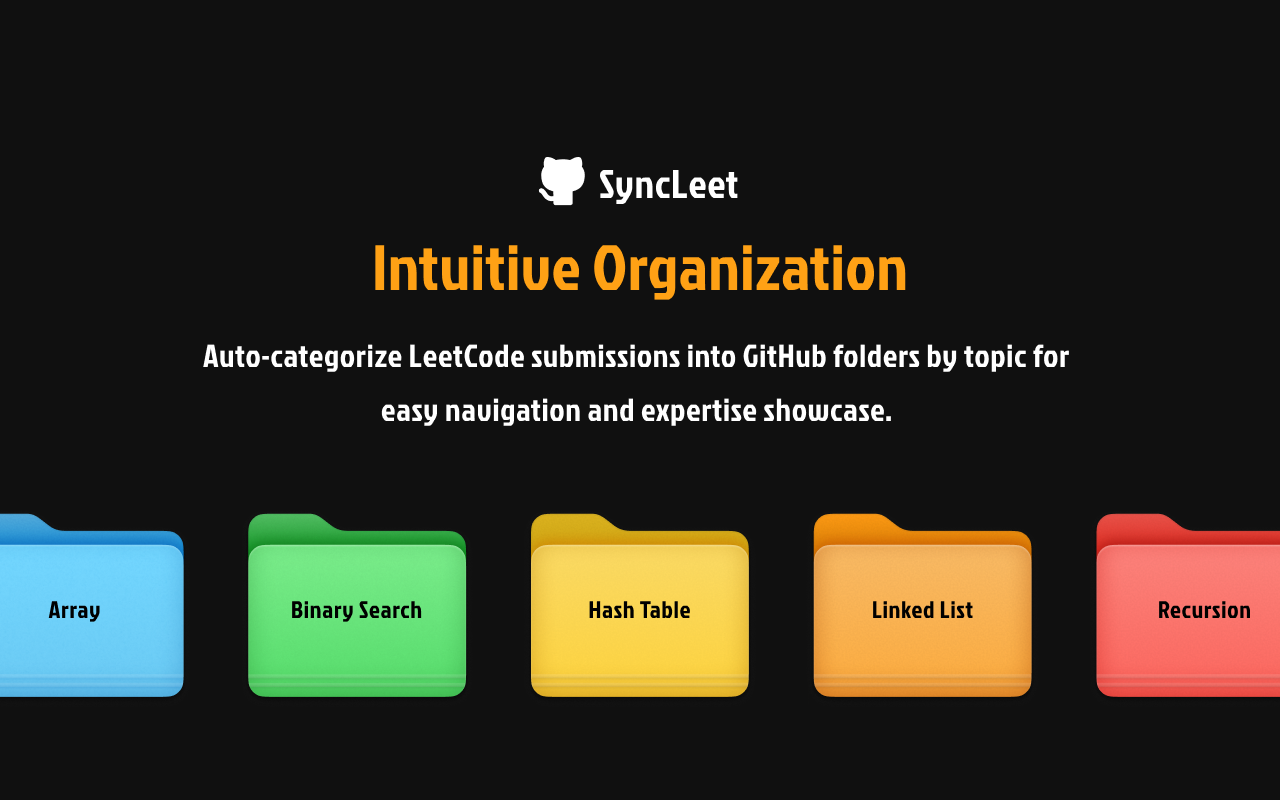
A small detail that turned into a real feature: we save each submission into every one of its topic folders. The same code for “Two Sum” appears under array/ and under hash-table/. This is not the cleanest layout, but it means you can navigate the repository by whichever taxonomy you happen to be thinking in. There is no difficulty-based folder, only topics; difficulty is in the LeetCode metadata if you want it but did not feel useful as a directory tree.
For users on a paid GitHub plan, commit messages get the LC-{slug} prefix and the extension installs autolinks so those references render as clickable links back to the original problem. Free users get an emoji prefix instead, since autolinks are gated behind paid plans. The plan is detected once via the /user endpoint and cached.
Reliability under two rate limits
The extension lives between two rate-limited APIs and gets to enjoy both. LeetCode does not document its limits but enforces them when you ask too quickly; GitHub’s are documented but generous only by absolute standards.
The retry logic uses exponential backoff with full jitter, of the form random() * 2^i with a minimum delay of eight seconds and a cap at sixteen retries. This is the formula from the AWS architecture blog on jitter. Naive exponential backoff means every client retrying at the same instant; full jitter spreads the cluster out, and it is what we reach for whenever we expect to be one of many concurrent clients backing off the same service.
The history sync is the throughput-sensitive path. The extension pulls past submissions four at a time with random sub-second delays between fetches, accumulates them, and pushes to GitHub in batches of fifty files with a ten-second pause between batches. The popup shows a progress bar with a rolling ETA, and a sixty-second cooldown prevents users from kicking off another full sync while one is still in flight. None of this is glamorous, but it is the difference between an extension that works on a hundred-problem account and an extension that hangs.
Closing notes
The repository is open source at SyncLeet, and the extension itself is on the Chrome Web Store. Watching strangers install it and keep using it is one of the more durable pleasures of the project.
The technical takeaway, for me, is that browser extensions sit in an unusually privileged position. They can observe network traffic, hold OAuth tokens, and broker between websites without either side needing to know. Most of the design work is figuring out how to use that position lightly. The DOM-free interception model and the no-backend OAuth flow are expressions of the same instinct: do as little as possible at any given layer, and depend on the contract that is least likely to move.